

How to Cancel Netflix Subscription in Nigeria and Stop Billing

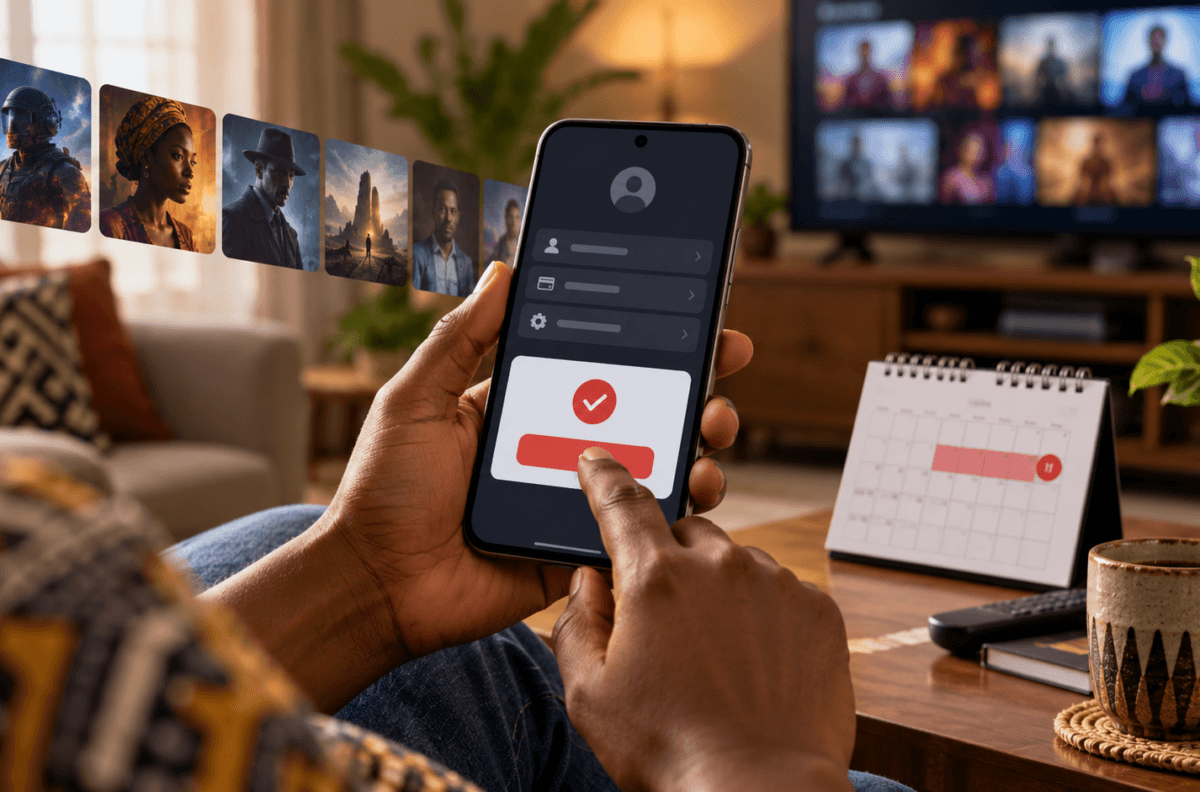
Illustration: cancel a streaming membership through account settings.
If you want to end Netflix in Nigeria, complete the cancellation in your account and keep the confirmation. Selecting “Finish Cancellation” is the final step; signing out or deleting the app does not cancel membership.
Quick steps to cancel Netflix
- Sign in to Netflix in a browser with the account that owns the membership.
- Open Netflix’s cancellation page. If asked, sign in again.
- Select Cancel, then select Finish Cancellation to confirm.
- Look for Netflix’s confirmation email and keep it for your records.
- Return to Account and check membership details and Payment History for the date your account closes.
Netflix’s Nigeria Help Center cancellation guide lists the same final confirmation step. Follow the current instructions shown on your own account, since available choices can depend on how the membership was started.
What happens after you cancel?
Netflix says it will not charge you again unless you restart the membership. If you cancel while time remains in your current billing period, you can keep watching until that period ends. The account page’s Payment History shows the closure date. Save the confirmation email and check the date before assuming access ends immediately; cancelling stops renewal, while access may continue through the paid period.
If you share the account, let other household members know when access is expected to end. You do not need to remove the app from every television or phone to complete cancellation. The account-level cancellation is the important action.
If you can’t see the Cancel option
Netflix says that when the cancellation option is missing, you should open Account and look under Membership. The page should show a link or instructions for cancelling through the payment partner. Use the instructions displayed there, then keep any confirmation from that provider. Check Netflix’s account page afterward so you can see whether the membership is still active and when it is due to close.
Do not guess which company handles your billing. Netflix’s account page is the place to identify the partner for your membership. If you need help, start from the official Netflix Help Center rather than a phone number or cancellation link sent to you unexpectedly.
What does not cancel Netflix?
Signing out of Netflix, deleting the app from a phone, or removing it from a smart TV does not end the membership. These actions only affect a device. Complete the cancellation steps in the account or through the payment partner identified there. Removing a saved payment method is also not a substitute for confirming cancellation in the membership settings.
For account safety, type Netflix’s address yourself or use a trusted bookmark. Never share your password, sign-in code, or payment details with someone claiming they can cancel the account for you. Avoid unofficial “support” numbers and pages that ask for remote access or an upfront cancellation fee. If you have an account question, use the Help Center linked from Netflix.
Frequently asked questions
What is the easiest way to cancel Netflix?
Use netflix.com/cancelplan, sign in if requested, select Cancel and then Finish Cancellation. Keep the confirmation email.
Does deleting the Netflix app cancel my subscription?
No. Netflix says signing out or deleting the app does not cancel your account. Cancel through the membership page or the payment partner linked there.
Will I lose access as soon as I cancel?
Not necessarily. Netflix says you can keep watching through the end of your current billing period when time remains. Check Payment History for the closure date.
What if Netflix does not show a Cancel button?
Go to Account and check Membership for the payment partner’s cancellation link or instructions. Follow that route and retain its confirmation.
Can I just stop the automatic payment with my bank?
First complete the cancellation route shown by Netflix or its identified payment partner. Netflix’s Help Center explains that signing out or deleting the app does not cancel membership; check your account for confirmation and the closure date.
READ ALSO
- How to Check Airtel Data Balance in Nigeria and Roll Over Unused Data
- DStv and GOtv Prices in Nigeria 2026 from ₦4,000