
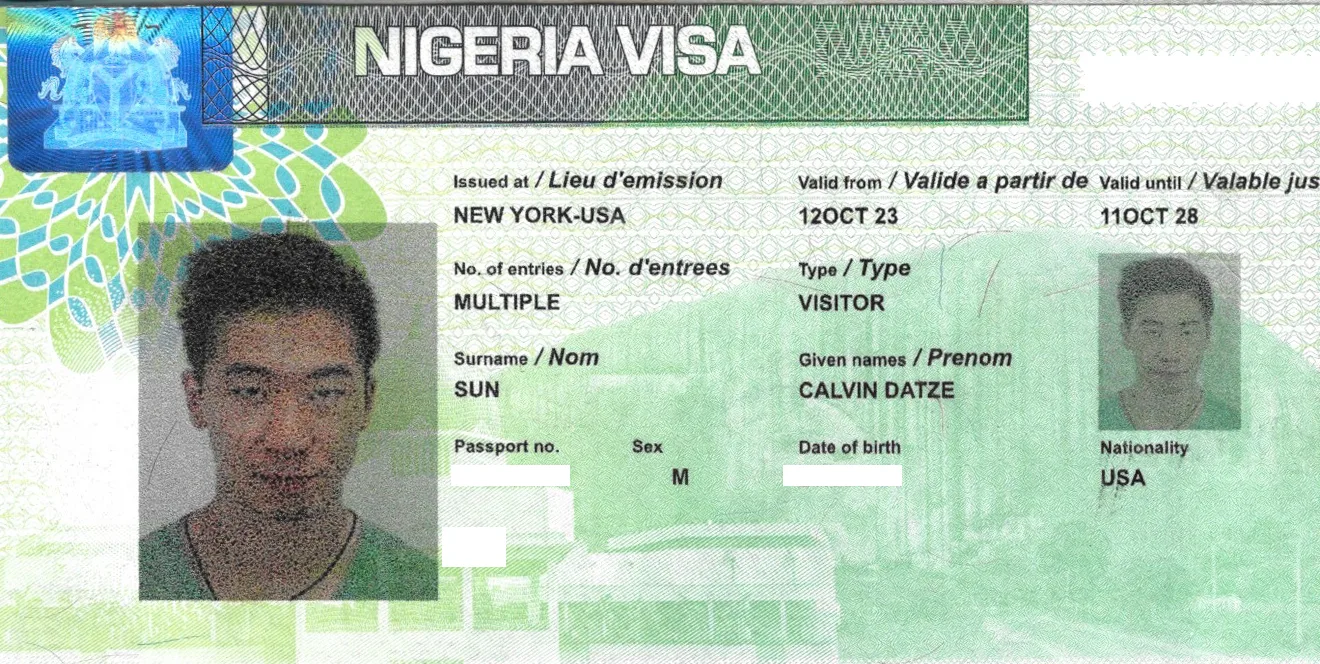
Waiting for a visa decision can be stressful, especially when you have already paid the application fee, submitted your documents and are preparing for a trip to Nigeria.
Applicants do not always need to visit an immigration office or send repeated emails to find out whether their applications have been processed. The Nigeria Immigration Service (NIS) provides online platforms that allow applicants to check visa application information and follow the progress of their requests.
However, the process may differ depending on whether you applied for a Nigerian e-Visa or submitted a regular visa application through an embassy or Nigerian mission abroad.
If you have applied for a Nigerian visa and want to know whether it has been approved, rejected or is still being processed, here is how to check your application status.
How to Check Your Nigerian Visa Application Status Online
The Nigeria Immigration Service has an official visa status page where applicants can access visa verification services.
To get started:
- Visit the Nigeria Immigration Service website at https://immigration.gov.ng/.
- Open the Self Service section.
- Select the option labelled Check eVisa Status or Check Visa Status, depending on your application type.
- Follow the instructions displayed on the verification page.
- Enter the application information requested by the portal.
- Submit your details to retrieve the available status information.
You can also visit the NIS visa status page directly:
https://immigration.gov.ng/check-visa-status/
Make sure you use the official Nigeria Immigration Service website rather than an unofficial platform claiming to provide visa updates.
How to Check Your Nigerian e-Visa Application Status
If you applied through the Nigeria Immigration Service’s electronic visa platform, you should use the official e-Visa portal to access your application.
Follow these steps:
- Visit https://evisa.immigration.gov.ng/.
- Log in or authenticate using the account details associated with your application.
- Access your application information.
- Look for the relevant application or status section.
- Review any available updates or instructions.
- Check the email address you used during registration for notifications from the Immigration Service.
The official e-Visa platform requires applicants to log in or authenticate before continuing to their application.
If your application has been approved, the NIS says applicants receive an e-Visa Approval Letter containing a QR code and reference number. Check your registered email address and follow the instructions provided with the approval.

Information You May Need to Check Your Visa Status
Before checking your application, keep the information used during registration nearby.
Depending on the portal and application type, you may need:
- Your visa application number or reference number.
- Your passport number.
- The email address used during registration.
- Your application login details.
- Your payment or transaction reference, where requested.
Make sure the details you enter match the information submitted with your application. Incorrect information may prevent the system from retrieving your record.
READ ALSO
How to Recover Money Sent to the Wrong Bank Account in Nigeria
What Do Different Nigerian Visa Application Statuses Mean?
When checking your application, you may see a status or receive an update indicating where your request stands.
The exact wording can differ across visa platforms, but the common meanings include:
1. Pending
A pending status generally means that your application has not received a final decision.
It may still be undergoing review or awaiting further processing.
2. Under Review or Processing
This means the relevant immigration officials are assessing your application and supporting documents.
You may need to wait for another update before a decision is issued.
3. Approved
An approved status means your visa application has been successful.
For an e-Visa application, check your email for the official approval letter and follow the instructions for using it.
4. Rejected or Declined
A rejected or declined status means the application was not approved.
Check whether the portal or official communication provides a reason. If the explanation is unclear, contact the relevant immigration office or mission for guidance on the available options.
5. No Record Found
This may happen if you entered incorrect application details, used the wrong tracking platform or the application has not yet appeared in the tracking system.
Confirm your details and try again. If the problem continues, contact the official support team.
Note: These are general explanations of common application-status terms. The exact status labels and their meanings depend on the visa platform processing your application.
What Should You Do If Your Nigerian Visa Application Status Is Not Updating?
An application that remains pending for several days does not automatically mean it has been rejected.
Processing may take time, depending on the visa category, the documents submitted and whether additional checks are required.
If your status has not changed, consider these steps:
- Check your email: Look through your inbox, spam and junk folders for messages from the Nigeria Immigration Service or the relevant embassy.
- Confirm your application details: Make sure you are using the correct application number, reference number or passport information.
- Review your application portal: Log in again to check whether there are new messages or requests for additional information.
- Check the processing timeline: Review the expected processing period for your visa category.
- Contact immigration support: If the delay continues beyond the expected period, contact the relevant office with your application details.
Avoid submitting another application or making another payment simply because the status has not changed. Confirm the situation with the relevant authority first.
How to Contact the Nigeria Immigration Service About a Visa Application
If you cannot access your application or the online tracking system is not displaying the correct information, you can contact the Nigeria Immigration Service through its official support channels.
The NIS lists the following visa contact details:
- Email: [email protected]
- Phone: +234 912 190 0655
- Phone: +234 912 155 6359
- Phone: +234 912 147 7092
You can also visit the official contact page:
https://immigration.gov.ng/contact/
When contacting the support team, include your full name, application reference, passport number and a brief explanation of the problem.
Do not send your password, OTP or other sensitive account credentials to anyone claiming to help you track your application.
Can You Check Your Nigerian Visa Status Without an Application Number?
It may be difficult to retrieve an application without its reference details because the tracking system needs information to identify the correct record.
If you have misplaced your application number, check the confirmation email or payment receipt issued when you submitted the application.
You can also log in to the account used during registration to see whether your application details are available.
If you still cannot find the reference number, contact the NIS or the Nigerian embassy where you submitted your application for assistance.
What If You Applied for a Nigerian Visa Through an Embassy?
Not every Nigerian visa application is processed entirely through the same online platform.
If you submitted your documents through a Nigerian embassy, high commission or consulate, you may need to contact that mission for an update.
Some applications involve online registration and payment, followed by the submission of supporting documents to the relevant diplomatic mission.
In such cases, the online portal may not display every stage of the application process.
Use the tracking instructions provided by the embassy or consulate where you submitted your documents. If an external visa application centre handled your submission, use the tracking service and reference number provided on its receipt.
How to Avoid Nigerian Visa Application Scams
Applicants waiting for visa decisions may become vulnerable to individuals who claim they can influence immigration officials or secure faster approval.
Be careful when dealing with anyone who promises guaranteed visa approval in exchange for additional payment.
The Nigeria Immigration Service advises applicants to use its official website and verified platforms recommended by Nigerian diplomatic missions.
To protect yourself:
- Use official NIS and embassy websites.
- Avoid sharing your application login details with strangers.
- Do not pay unofficial agents who promise guaranteed approval.
- Do not rely on screenshots or messages from individuals claiming to have access to immigration records.
- Confirm unexpected payment requests through official NIS contact channels.
Final Thoughts
Checking your Nigerian visa application status online can help you monitor the progress of your request without repeatedly visiting an immigration office.
The Nigeria Immigration Service provides official visa status and e-Visa platforms for applicants to access their application information.
Keep your application reference, passport details and registered email address available when checking for updates. If the portal does not provide the information you need, contact the relevant immigration office or embassy directly.
Remember that an application confirmation or payment receipt does not mean your visa has been approved. Wait for an official decision before making final travel arrangements.