
Beneficiaries of the Federal Government’s ₦50,000 relief programme can confirm their payment status through five authorised digital financial service providers.
The National Emergency Relief and Stabilisation Intervention (NERSI) is designed to deliver financial assistance to selected vulnerable Nigerians through mobile wallets linked to their verified identity records.
However, some beneficiaries may be unfamiliar with the payment platforms or unsure how to establish whether their money has arrived.
The Federal Ministry of Humanitarian Affairs and Poverty Reduction has published instructions explaining how beneficiaries can accept the support, check their wallets and withdraw funds.
According to the official NERSI website, the five approved providers are ALAT by Wema Bank, MoMo PSB, NairaGram, OPay and Moniepoint.
How NERSI payments work
The government says selected beneficiaries receive an SMS from their designated payment provider.
The message contains instructions for accepting the ₦50,000 support.
After giving consent, the beneficiary’s mobile wallet is used to receive the grant.
The ministry says beneficiaries will receive a notification when the money is credited.
However, receiving a selection message and receiving a credit alert are different stages.
Beneficiaries should confirm the available balance through the appropriate provider before attempting to withdraw money.
1. How to check ₦50,000 grant payment on ALAT
ALAT is the digital banking platform operated by Wema Bank.
Beneficiaries assigned to ALAT can use the designated NERSI USSD code:
*945*23#
The ministry says the code allows eligible beneficiaries to follow the programme’s instructions and access wallet services.
Once the payment has been credited, beneficiaries can use the relevant transfer option or visit a Wema Bank branch.
The official FAQ also provides a transfer format for moving money from the registered phone to another account.
Users should follow the current prompts displayed by the provider.
2. How to check payment on MoMo PSB
MoMo Payment Service Bank is another authorised NERSI payment provider.
Beneficiaries can dial:
*671*0#
They should follow the displayed instructions to check eligibility or access their wallet.
The government says MoMo beneficiaries may also use the MoMo NG application or an authorised agent to access their funds.
However, beneficiaries should confirm that the wallet has been credited before attempting a transaction.
3. How to check payment on NairaGram
NairaGram is also listed among the five approved providers.
Its designated NERSI code is:
*726*00#
Beneficiaries assigned to NairaGram should follow the prompts to access the relevant wallet services.
The ministry says users can transfer their money to a bank account or a POS agent when the payment is available.
Anyone experiencing problems should contact NairaGram through its official support channels.
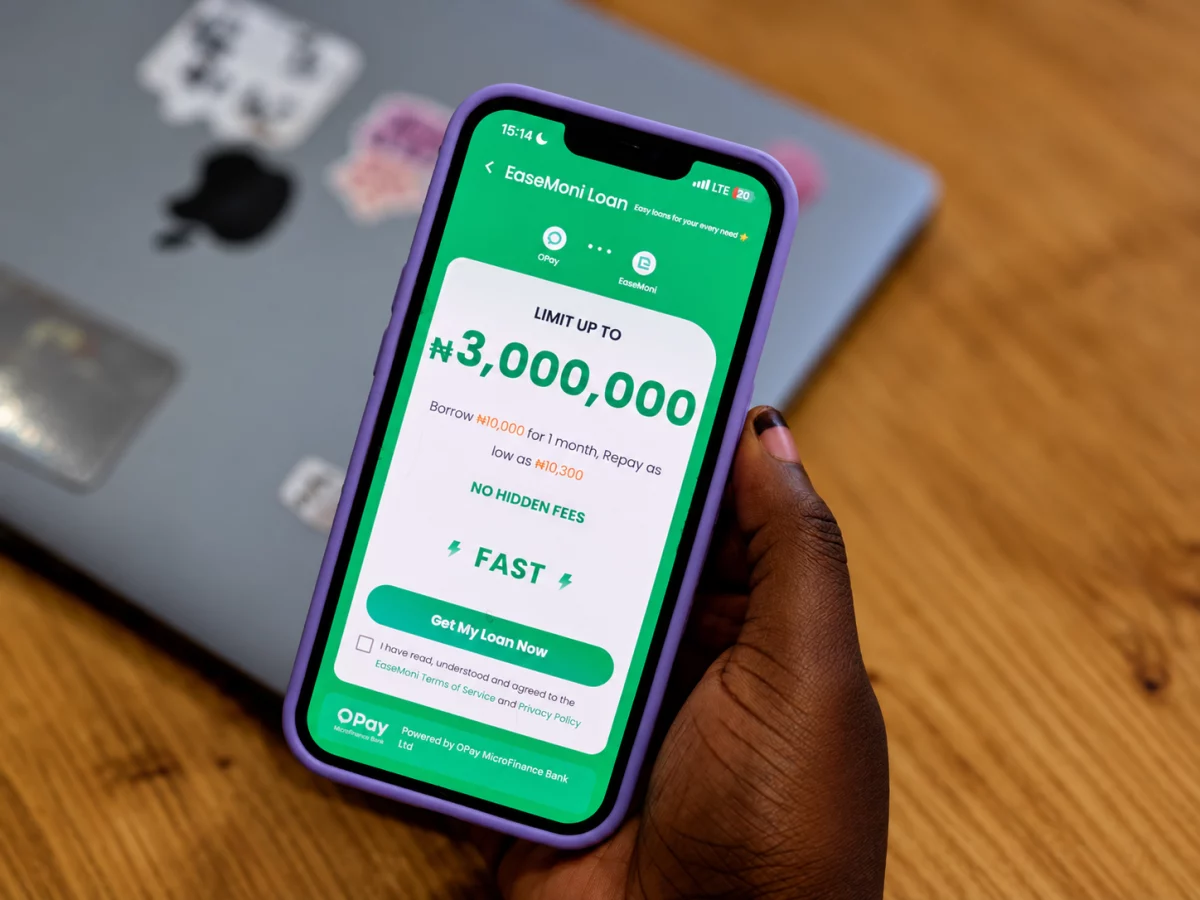
4. How to check payment on OPay
OPay beneficiaries can use the designated code:
*955*20#
They may also access the relevant services through the official OPay application.
The ministry says beneficiaries can transfer their money to a bank account or POS agent.
However, applicants should not assume that a selection SMS means ₦50,000 has already appeared in their wallet.
They should check the actual balance and confirm that the money is available.
5. How to check payment on Moniepoint
Moniepoint is the fifth authorised payment provider.
The official NERSI website lists the following code:
*5573*27#
Beneficiaries can also use the Moniepoint application where applicable.
They should follow the official instructions to check their payment status and access the money.
The ministry says the funds may be transferred to another bank account or withdrawn through an authorised POS agent.
Can beneficiaries check payment without a smartphone?
Yes.
The government says beneficiaries do not need a smartphone or internet connection to use the designated USSD services.
A basic mobile phone can be used to follow the relevant instructions.
This is particularly important for beneficiaries who do not use mobile banking applications.
However, the phone number used must correspond to the beneficiary’s payment arrangements.
What if the wallet shows no money?
Beneficiaries should first confirm whether they have accepted the grant.
They should then check whether the provider has issued a credit confirmation.
If the wallet still does not show the money, they should contact their designated provider.
The ministry advises beneficiaries to seek assistance through official customer support channels rather than pay agents who promise to release the grant.
For general programme enquiries, Nigerians can contact 0700-022-2222.
The important point is that the five platforms provide payment access, but only an actual wallet credit confirms that the money has arrived.