

7 Powerful Digital Tools That Instantly Boost Time Management Skills

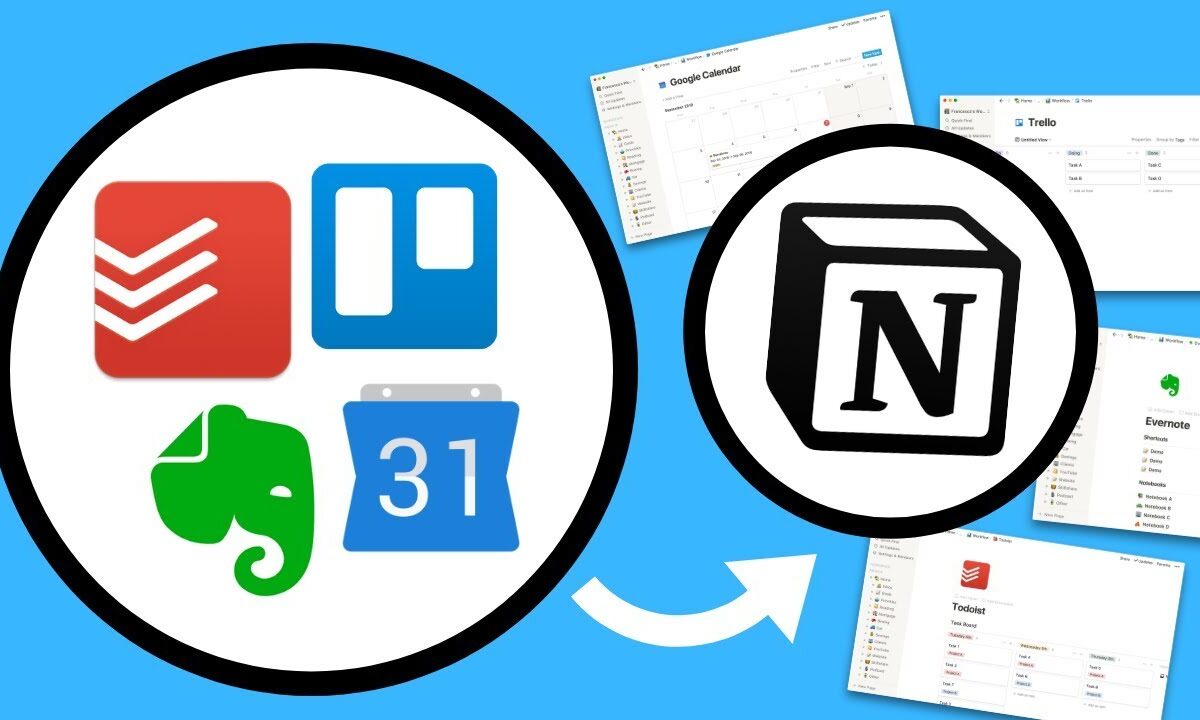
Digital tools can help you improve your time management skills and boost productivity
In today’s fast-paced digital world, effective time management has become essential for productivity and success. With increasing workloads and constant distractions, many professionals are turning to digital tools to stay organized, prioritize tasks, and make better use of their time.
Recent trends show that productivity apps and digital platforms are transforming how people manage daily schedules, offering smarter ways to plan, track, and optimize tasks. Experts say the right tools can reduce stress, improve focus, and significantly enhance efficiency when used consistently.
Here are seven digital tools that can improve time management skills.
1. Todoist — Smart Task Management Made Simple
Todoist is widely recognized for its intuitive interface and powerful task management features. Users can create to-do lists, set deadlines, and organize projects into categories.
Its ability to prioritize tasks and send reminders helps individuals stay on track and avoid missing important deadlines.
2. Trello — Visual Workflow Organization
Trello uses a board-and-card system to help users visualize tasks and workflows. It is especially useful for managing projects and tracking progress.
By breaking tasks into manageable steps, users can maintain clarity and stay organized throughout complex projects.
3. Google Calendar — Scheduling and Time Blocking
Google Calendar remains a cornerstone for time management, allowing users to schedule events, set reminders, and implement time-blocking techniques.
Color-coded calendars and shared scheduling features make it easier to coordinate tasks and commitments.
4. RescueTime — Track and Optimize Your Time
RescueTime automatically tracks how users spend time on their devices, providing detailed reports on productivity patterns.
This data-driven approach helps individuals identify time-wasting habits and make informed adjustments.
READ ALSO
10 Warning Signs You’re Overdependent on Technology
6 Apps People Are Using in 2026 to Finally Eat Healthier Every Week
5. Forest — Stay Focused and Avoid Distractions
Forest gamifies focus by encouraging users to stay off their phones. The app grows virtual trees while users remain focused on tasks.
This creative approach promotes concentration and reduces distractions from social media and notifications.
6. Notion — All-in-One Productivity Workspace
Notion combines note-taking, task management, and project organization into a single platform. Users can create customized workflows tailored to their needs.
Its flexibility makes it ideal for both personal productivity and team collaboration.
7. Clockify — Time Tracking for Better Efficiency
Clockify allows users to track time spent on tasks and projects. This helps improve accountability and provides insights into how time is allocated.
By analyzing tracked data, users can optimize schedules and improve productivity.
Why Digital Tools Matter for Time Management
Experts emphasise that technology can significantly enhance time management when used effectively. These tools help individuals prioritize tasks, reduce procrastination, and maintain focus in a distraction-heavy environment.
However, they also note that tools alone are not enough. Consistency, discipline, and clear goal-setting remain essential for achieving long-term productivity gains.
The Growing Role of Productivity Apps
As remote work and digital workflows continue to expand, the demand for productivity tools is expected to grow. These platforms are evolving to include AI-driven insights, automation, and personalized recommendations, making time management more efficient than ever.
For professionals and students alike, leveraging the right digital tools can lead to better performance, reduced stress, and improved work-life balance.
FAQ
1. What are the best digital tools for time management?
Popular tools include Todoist, Trello, Google Calendar, Notion, RescueTime, Forest, and Clockify.
2. How do productivity apps improve time management?
They help organize tasks, set reminders, track time, and reduce distractions, making it easier to stay focused.
3. What is time blocking and which tool supports it?
Time blocking is scheduling specific time slots for tasks. Google Calendar is widely used for this method.
4. Are time tracking apps effective?
Yes. They provide insights into how time is spent, helping users identify inefficiencies.
5. Can digital tools reduce procrastination?
Yes. Tools like Forest and task managers help maintain focus and accountability.
6. Which app is best for team collaboration?
Trello and Notion are popular for managing team workflows and projects.
7. Do productivity apps really increase efficiency?
When used consistently, they can significantly improve organization and productivity.
8. Are free time management tools available?
Yes. Many apps offer free versions with essential features.
9. How do I choose the right productivity tool?
Select tools based on your workflow, goals, and preferred features.
10. Can too many apps reduce productivity?
Yes. Using too many tools can create complexity. It’s best to stick to a few effective ones.