

Is Apple forcing your iPhone to Update? Why iOS 26 is now the only safe option

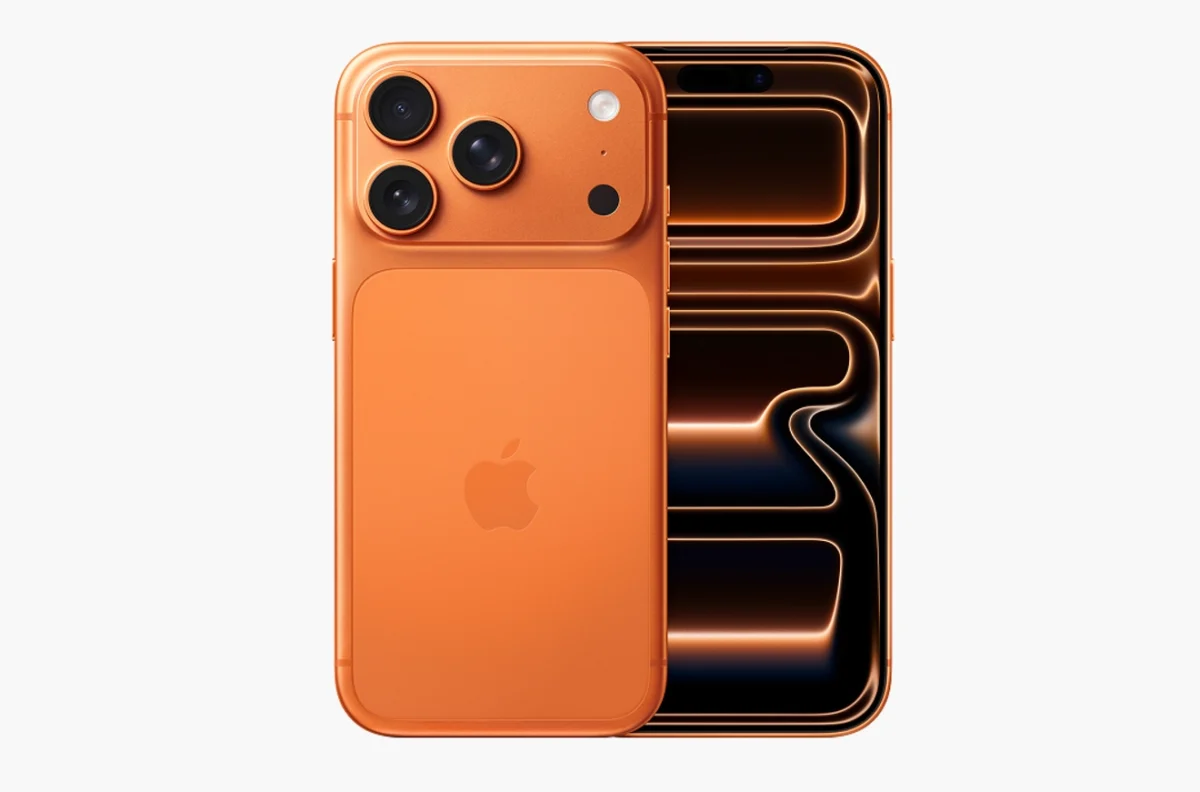
Apple forces iOS 26 iPhone upgrade amid security threat
Apple has made one of its most consequential software decisions in years, forcing hundreds of millions of iPhone users to upgrade to iOS 26 in order to stay protected. The move comes amid confirmation of active cyberattacks, including zero-day vulnerabilities that Apple says are already being exploited in the wild.
The decision has triggered widespread debate across the Apple ecosystem, as users running iOS 18 on compatible iPhones are no longer being offered security-only updates. Instead, Apple is pushing a single path forward: update to iOS 26 now, or remain vulnerable.
Why Apple Is Forcing iPhones to Update to iOS 26
Security experts say the pressure stems from multiple critical vulnerabilities, including two zero-day WebKit exploits affecting Safari and in-app browsers. According to Apple, these flaws may have been used in “extremely sophisticated attacks against specific targeted individuals.”
Because WebKit powers not just Safari but countless apps across iOS, the vulnerabilities represent a system-wide risk. In response, Apple has limited access to security patches, ensuring they are delivered only through iOS 26.2 on supported devices.
This marks a sharp departure from Apple’s recent policy of providing parallel security updates for older iOS versions.
iOS 18 Security Updates Quietly Cut Off for Newer iPhones
Although Apple released iOS 18.7.3 with the same security fixes, there is a major catch:
If your iPhone can run iOS 26, Apple will not offer the iOS 18 update.
Users with older devices not eligible for iOS 26 can still install 18.7.3. Everyone else must upgrade, a move that critics say effectively removes user choice.
Reports from Six Colors and Gadget Hacks confirm that Apple has also stopped signing earlier iOS builds, making downgrades impossible even if users change their minds later.
READ ALSO
iPhone Air unveiled: Specs, Price & Everything you need to know
What “Apple Stops Signing iOS” Really Means
Apple’s signing system works as a server-side gatekeeper. Once signing stops, iPhones can no longer install or reinstall that software version, even if the update file exists.
This gives Apple instant, global control over which iOS versions remain usable. While the system improves security by preventing outdated software, it also means users are locked into Apple’s upgrade timeline, with no official rollback option.
Why Many iPhone Users Are Hesitant About iOS 26
Despite the security urgency, resistance to iOS 26 remains significant. Analysts estimate that over 50% of iPhone users had not upgraded at the time of Apple’s decision.
The hesitation is largely tied to Liquid Glass, iOS 26’s dramatic visual redesign. The translucent interface affects notifications, Control Centre, app icons, and lock screen elements. Critics argue it reduces contrast and impacts usability, especially for visually sensitive users.
Apple has responded with refinements in iOS 26.1 and 26.2, adding controls for transparency and contrast, but for many users, the concern remains: once you upgrade, there’s no going back.
Three Major Security Reasons Apple Says You Must Upgrade
Beyond fixing active exploits, Apple is highlighting additional protections in iOS 26:
- Improved Safari privacy, reducing Google-style fingerprinting
- New defenses against malicious wired connections, including public charging risks
- Anti-scam protections in calls and messages, rolling out system-wide for the first time
U.S. government agencies have echoed the urgency, warning users not to delay security updates on mobile devices.
The Bigger Picture: Apple’s Ecosystem Control Tightens
This forced upgrade signals a broader shift in Apple’s strategy. By consolidating users on iOS 26, Apple simplifies development, accelerates feature adoption, and strengthens its position around digital identity, privacy, and security standards.
For users, however, the message is clear: security now outweighs software choice. Whether that trade-off is acceptable depends on how much control users are willing to give up to stay protected.
FAQ
Why is Apple forcing iPhones to upgrade to iOS 26?
Apple confirmed active cyberattacks exploiting critical vulnerabilities that can only be patched through iOS 26.2 on supported devices.
Can I stay on iOS 18 and still get security updates?
Only if your iPhone cannot run iOS 26. If your device is compatible, Apple will not offer iOS 18.7.3.
What happens if I don’t upgrade to iOS 26?
Your iPhone may remain exposed to known security flaws, including zero-day exploits actively used by attackers.
What are zero-day vulnerabilities?
Zero-day bugs are security flaws exploited before developers can patch them, making them especially dangerous.
Why did Apple stop signing older iOS versions?
Stopping signing prevents downgrades and limits exposure to insecure software, but it also removes user choice.
Is iOS 26 safe despite user complaints?
Yes. Apple says iOS 26 is secure and includes expanded privacy and anti-scam protections, though interface changes remain controversial.
Can I downgrade after installing iOS 26?
No. Once Apple stops signing earlier versions, downgrades are not possible.
Should I update my iPhone right now?
Security experts strongly recommend updating immediately if your device supports iOS 26.