

10 ways to manage mobile data usage

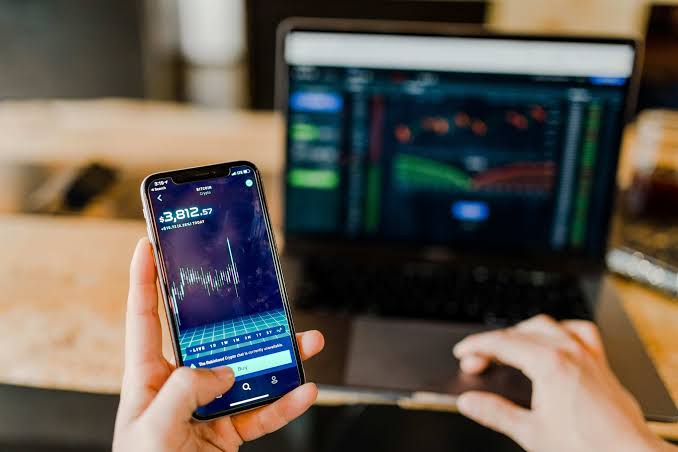
In an era of connectivity, managing mobile data usage efficiently is crucial. Here are 10 practical strategies to help you minimize data consumption on your mobile device.
Enable data saver mode
Activate the built-in Data Saver mode on your phone to restrict background data for apps, conserving valuable mobile data.
Limit background App refresh
Adjust settings to limit or disable background app refresh, preventing apps from using data when not in active use.
Update Apps on Wi-Fi only
Configure your device to update apps exclusively when connected to Wi-Fi, saving your mobile data for essential tasks.
Stream at lower quality
Opt for lower-quality settings when streaming music or videos to significantly reduce data consumption during entertainment sessions.
Use offline mode
Download maps, music, and videos when connected to Wi-Fi to enjoy content offline and eliminate the need for real-time data usage.
Disable autoplay videos
Prevent apps and social media platforms from automatically playing videos by adjusting settings, and curbing unnecessary data drain.
Manage sync settings
Customize app sync settings to disable background data sync for less critical apps, minimizing data usage without sacrificing functionality.
READ ALSO: Nigeria, Russia, Norway… see countries with highest and cheapest data prices globally
Optimize email sync frequency
Adjust your email app settings to sync messages less frequently or manually, reducing data consumption for email updates.
Monitor data usage
Regularly check your device’s data usage statistics or use third-party apps to identify data-intensive apps and adjust settings accordingly.
Use data compression
Explore browser settings or third-party apps that compress data before loading web content, optimizing your data usage during online activities.